
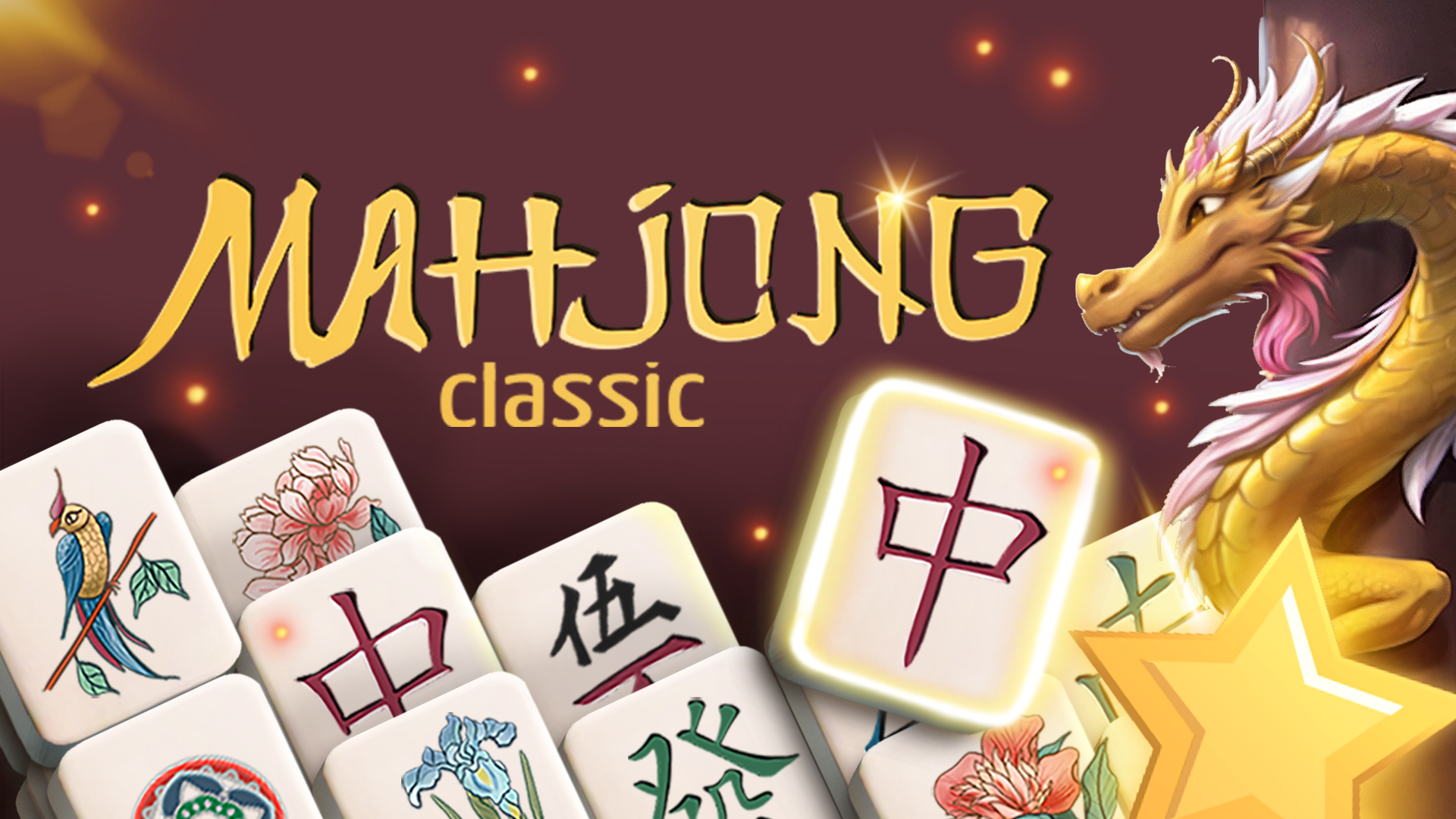
The timeless tile-matching game: pair free tiles and clear the whole layout.
About Mahjong Classic
Mahjong Classic is the calm, traditional solitaire version of mahjong. Tiles are stacked in a large layout, and you remove them in matching pairs. A tile can only be taken when it is free on the left or right side and nothing lies on top of it, so the real challenge is choosing which pair to take first.
Mahjong Classic runs right in your browser on PlayGamesPark. There is nothing to install and no sign-up: press Play and the game starts on your phone, tablet or computer. If you like puzzle games games, you will find many more in our Puzzle Games collection.
How to play Mahjong Classic
- Look for two identical tiles that are free.
- A tile is free when nothing covers it and one long side is open.
- Click or tap both tiles to remove them; clear every tile to win.
Controls
| Mouse | Click tiles. |
|---|---|
| Touch | Tap tiles. |
Tips and tricks
- Start with tiles that block many others, such as the tops of tall stacks.
- When four matching tiles are free, think about which pair to remove first.
FAQ
Is Mahjong Classic free to play?
Yes. Mahjong Classic is free to play on PlayGamesPark. You do not need to download anything or create an account.
Can I play Mahjong Classic on my phone?
Yes. Mahjong Classic works in the browser on phones, tablets and computers. Turning your phone sideways gives you a bigger view.
How do I play Mahjong Classic?
Look for two identical tiles that are free. A tile is free when nothing covers it and one long side is open.
What games are like Mahjong Classic?
Try the other games in our Puzzle Games category on PlayGamesPark — new games are added regularly.